5.4 Equipment and Technical Installations
Equipment covers the technical installations and fittings of an object, e.g. smoke detectors, elevators, heating systems, fitted kitchens or meters. Equipment belongs to a property, a building, a plot of land, a rental object or another piece of equipment and is maintained with the same form as the property; only the differences are described here. Meters are equipment with the equipment type Meters; their meter data and readings are described in 5.5 Meters and Meter Readings.
Getting Started
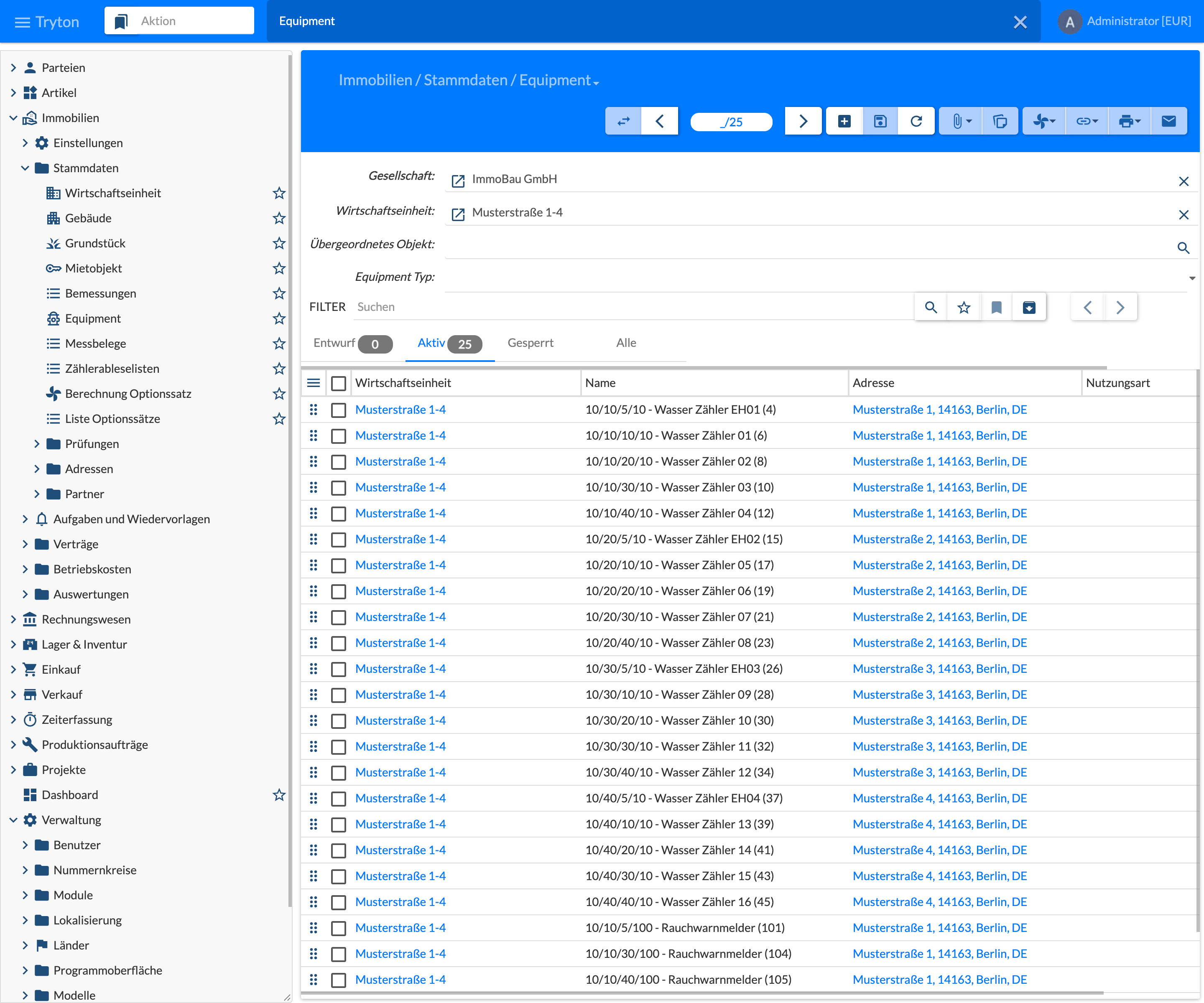
Open the menu Real Estate › Master Data › Equipment. The list shows the equipment of the company displayed at the top with property, name, address and type of use; the name starts with the number of the equipment. The fields Property, Parent Object and Equipment Type narrow down the list, e.g. to all meters of a building. The tabs Active, Locked and All filter by state. Creating and editing as for the property.
Creating and Editing
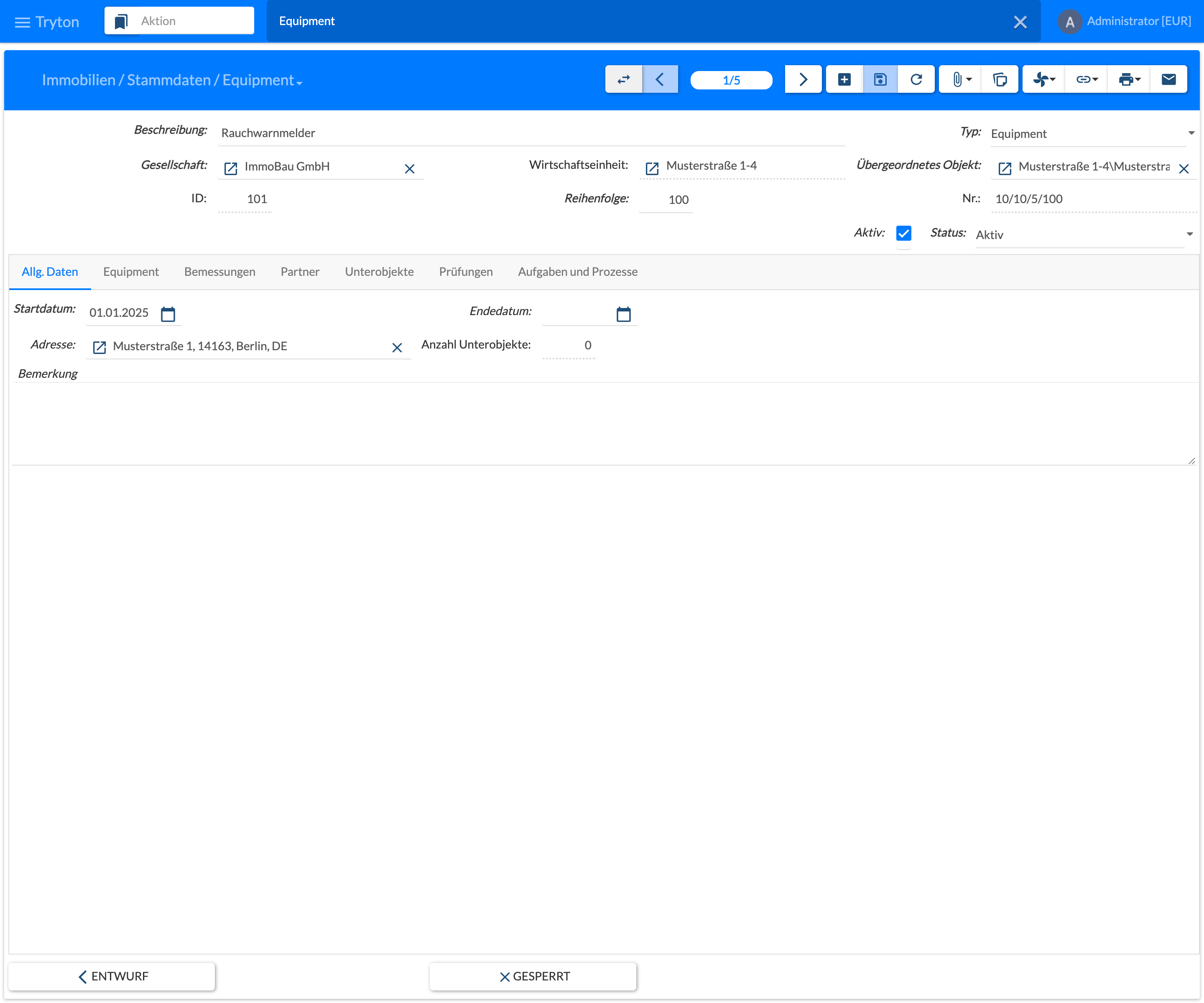
The header of the form corresponds to the rental object. Differences:
| Field | Description |
|---|---|
| Type | Here Equipment. |
| Parent Object | Object the equipment belongs to: property, building, land, rental object or another piece of equipment. Required. |
| No. | Built from the number of the parent object and the sequence, e.g. 10/10/5/100. |
The tab General Data contains start date, end date, address, number of sub-objects and remarks as for the building.
Tab Equipment
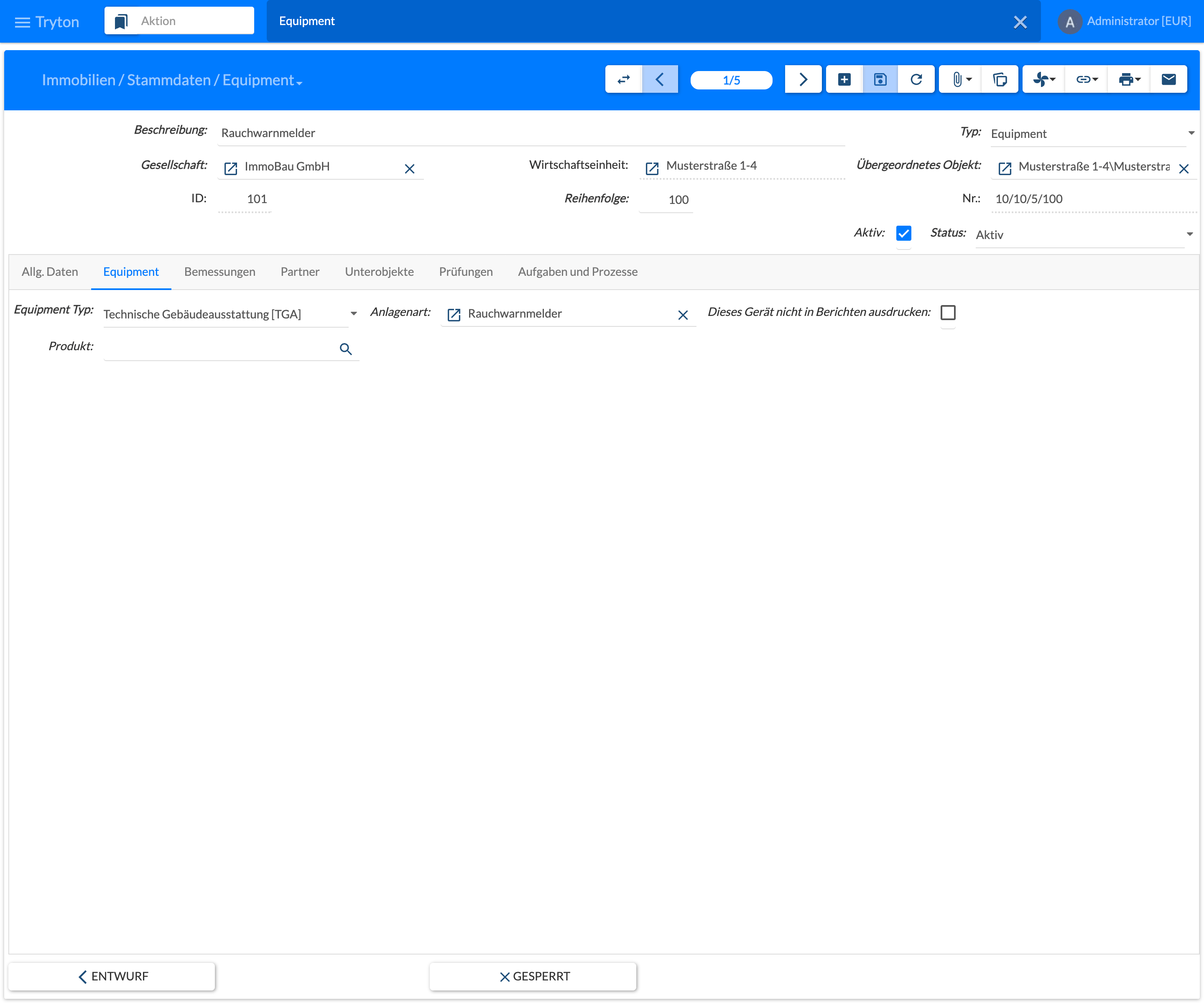
| Field | Description |
|---|---|
| Equipment Type | Rough classification: Technical Building Equipment [TGA], Structures (e.g. masonry, windows, doors), Installation (e.g. furniture) or Meters. Required. With Meters the additional tab Meters appears, see 5.5 Meters and Meter Readings. |
| Equipment Kind | Kind of installation, e.g. Smoke Detector or Elevator. The equipment kind determines which equipment is included in an inspection, e.g. all smoke detectors for the smoke detector check. |
| Do not print this equipment in reports | The equipment is not listed in reports. |
| Product | Optional: product from the Tryton product master, e.g. a specific device model. |
The module ships these equipment kinds: Smoke Detector, Elevator, Playground, Fire Extinguisher, Backflow Preventer, Heating System and Smoke and Heat Exhaust System. Further kinds are created in 2.5.6 Maintenance.
Tab Measurements
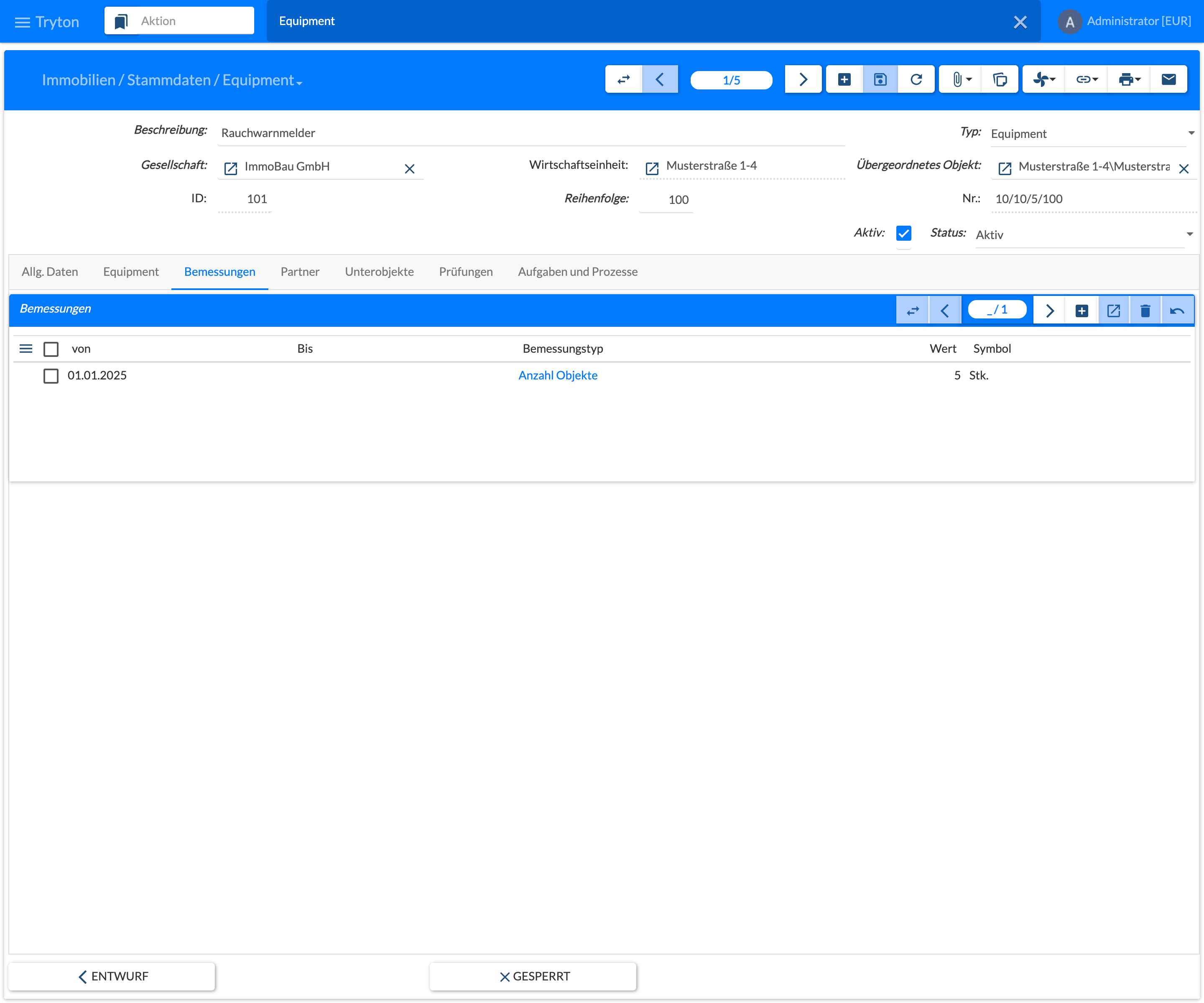
Structure as for the property. For equipment this is mainly where the Number of Items is kept: devices of the same kind need not be created one by one. In the example one equipment “Smoke detector” stands for the 5 smoke detectors of an apartment. Inspections propose this number as the expected quantity per apartment.
Further Tabs
The tabs Parties, Sub-objects, Inspections and Tasks and Processes are structured as for the property. For equipment:
- Parties: The roles shipped with the module (caretaker, administrator, owner) are not intended for equipment. For equipment, e.g. a maintenance company, a role of its own with the object type Equipment is needed, see 2.5.2 Business Partners.
- Sub-objects: Only further equipment can be placed below equipment, e.g. the components of a heating system.
- Inspections: Instead of inspection plans the tab shows the inspection lines in which the equipment was checked and its open defects. Inspection plans exist only on property and building, see 8.1 Inspection Plans.
- Tasks and Processes: Tasks and processes of the equipment itself. For meters the rule Meter calibration expires creates tasks here, see 5.5 Meters and Meter Readings.
Equipment has no tabs Option Rate and Rent Survey.
Actions, Relate and Print
| Menu | Entry | Meaning |
|---|---|---|
| Actions | New Task | Creates a task for the equipment. |
| Actions | Start Process | Starts a process from a template. |
| Actions | Draft, Locked | State change, like the buttons at the bottom of the form. |
| Actions | Translate view | Tryton standard function for translating labels. |
| Relate | E-Mail Archives, Object, Meter Reading Sheets | Opens related records in a new tab, as for the property. |
| Data Sheet | Data sheet of the equipment. |